

Beschrijving
Segurium is WordPress security without the bloat. Every hardening surface a site needs to survive the open internet — login protection, geo and IP gating, security headers, integrity verification, malware detection — ships in a single focused plugin. No ad walls, no background processes that chew through your shared-hosting CPU budget.
Behind the simple UI is a high-tech engine. Segurium hashes your files on the server and checks each SHA-256 against a continuously-updated, machine-learning-curated cloud verdict database — so most files are classified by hash alone, the scan is fast, the plugin stays small, and fresh threats are recognised the moment the classifier picks them up. When a file’s hash is not yet known to the cloud, Segurium uploads that file’s bytes for deeper analysis so you don’t get stuck with an unresolved verdict. We do not keep your files in the cloud. Nothing — not a hash, not a byte — is sent before you accept the service disclosure.
What you get on every install
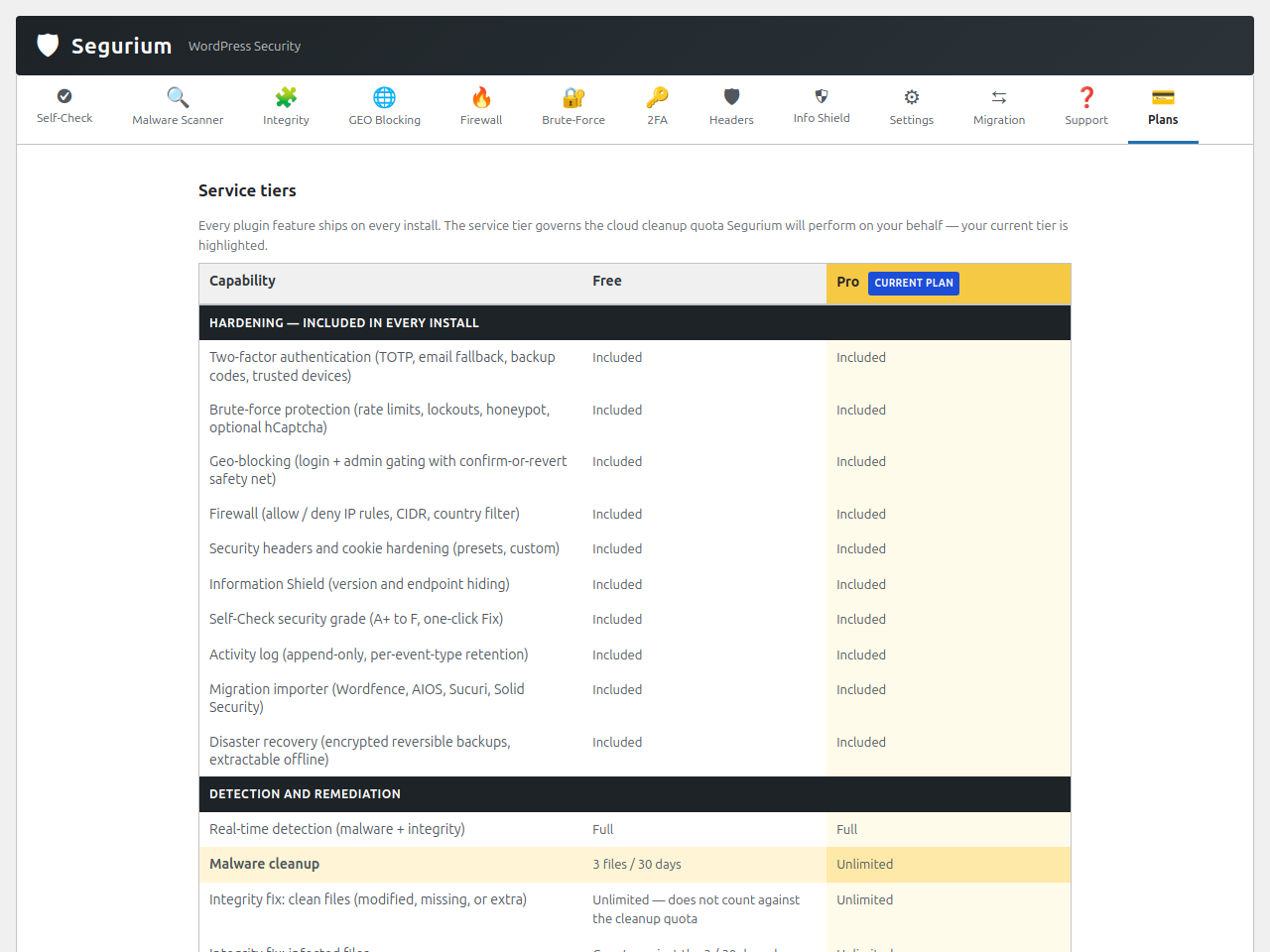
Every feature below ships in the plugin and runs on every install — Free and Pro alike:
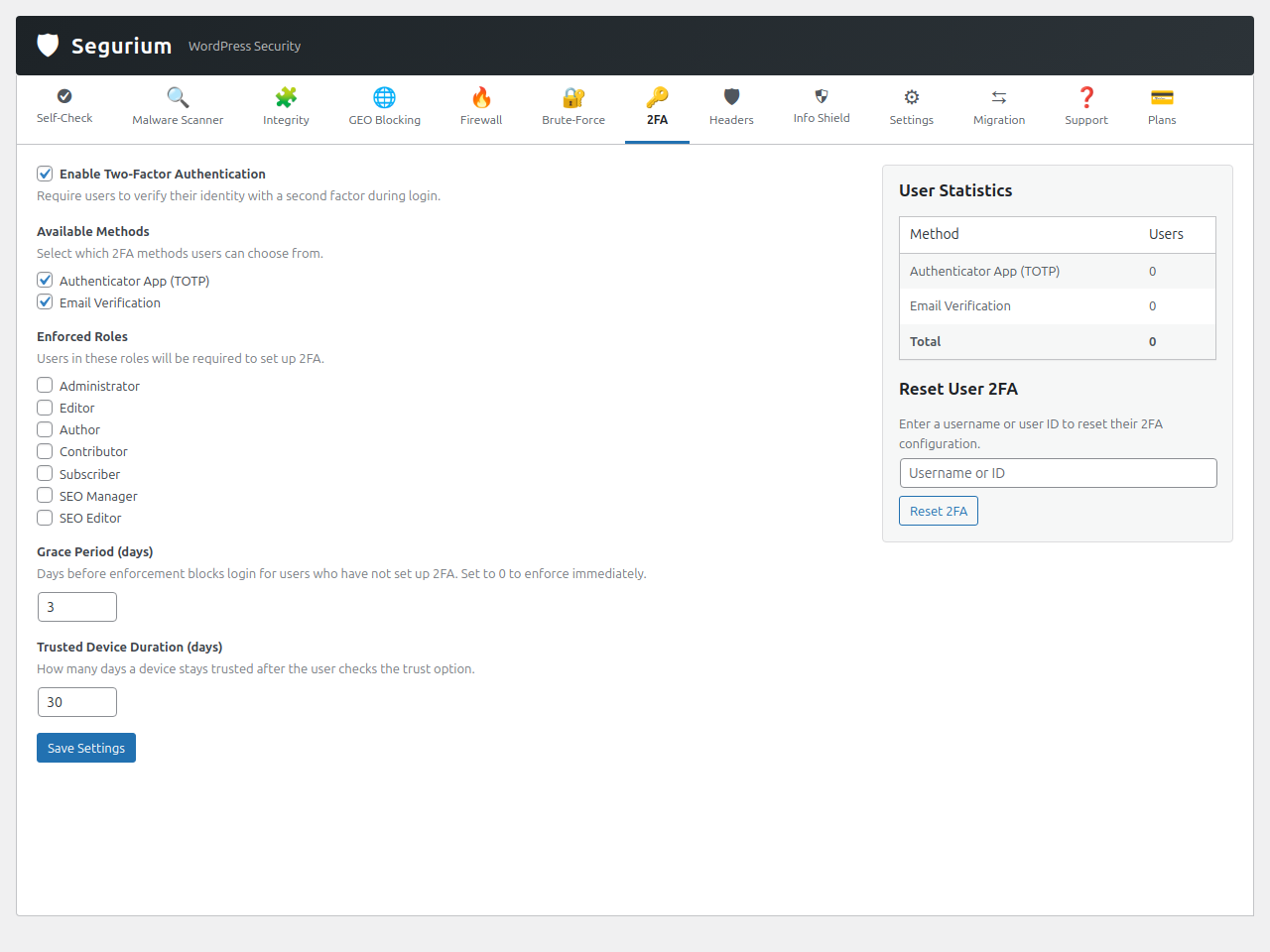
- Two-factor authentication — TOTP apps, email fallback, backup codes, trusted devices, per-role enforcement and grace period.
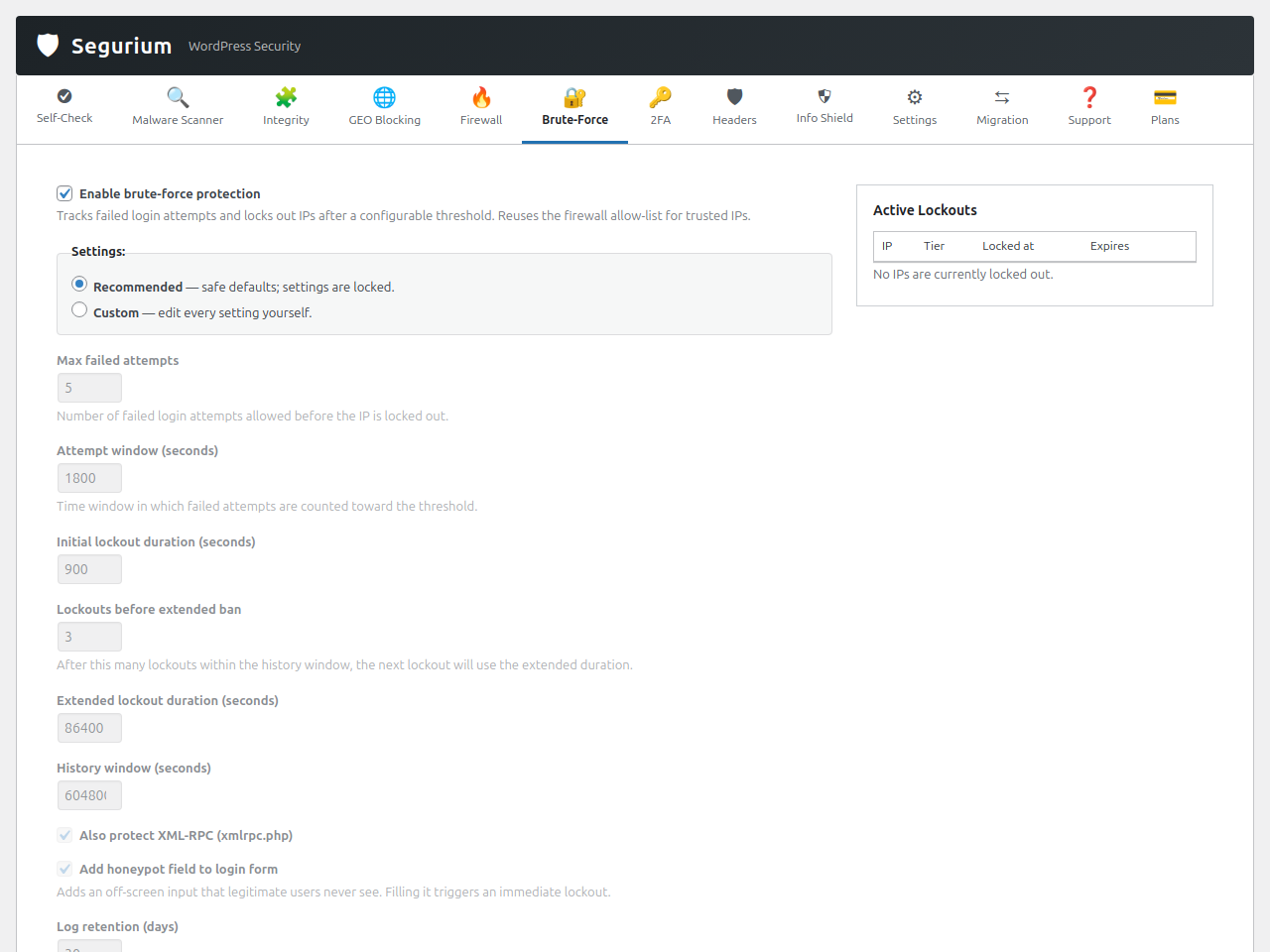
- Brute-force protection — Multi-tier lockouts on wp-login.php and XML-RPC, honeypot field, manual IP unlock, optional hCaptcha on login.
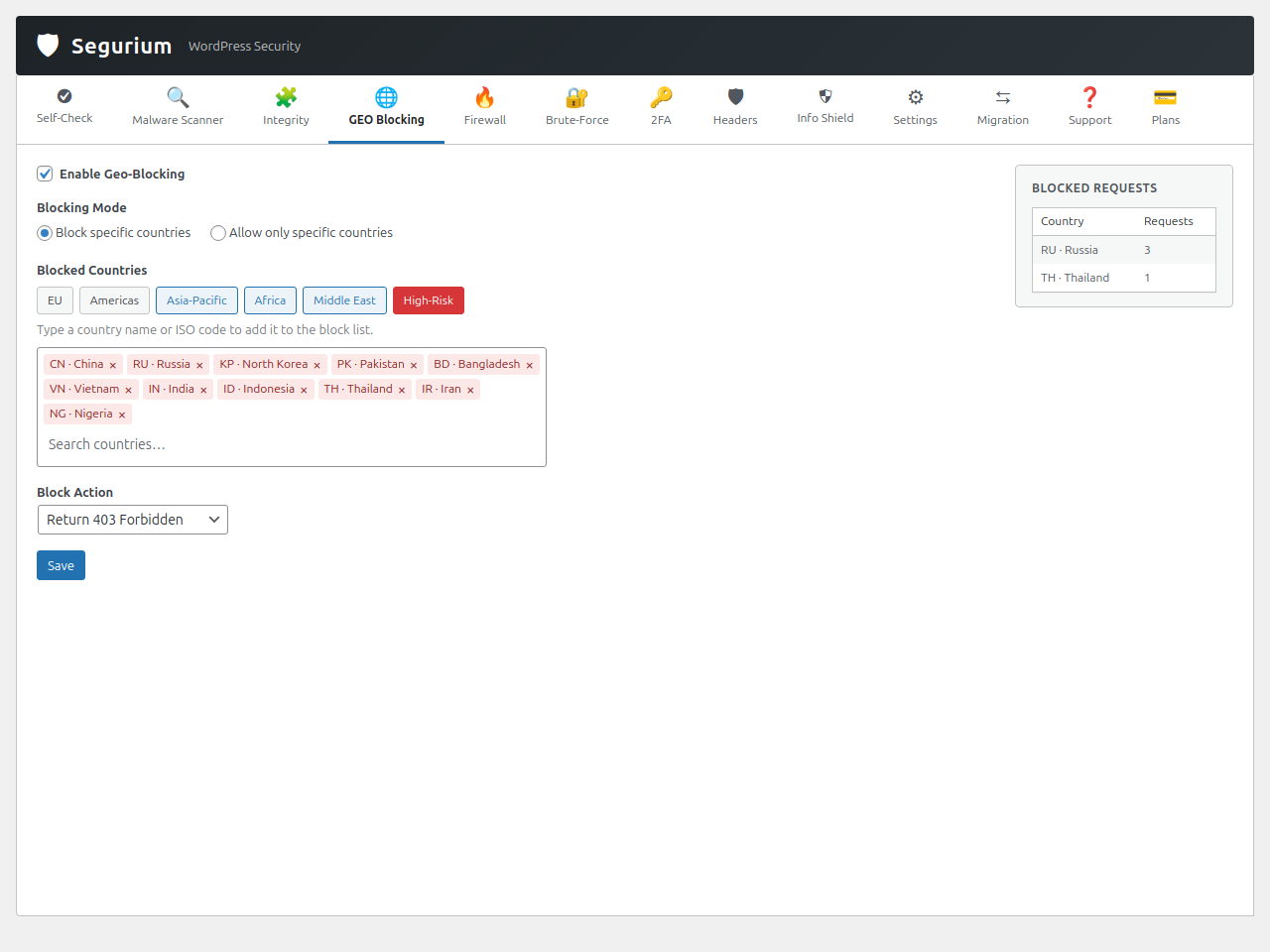
- Geo-blocking — Block login or admin traffic by country using a local binary database (auto-updated), with a confirm-or-revert safety net so you can’t lock yourself out.
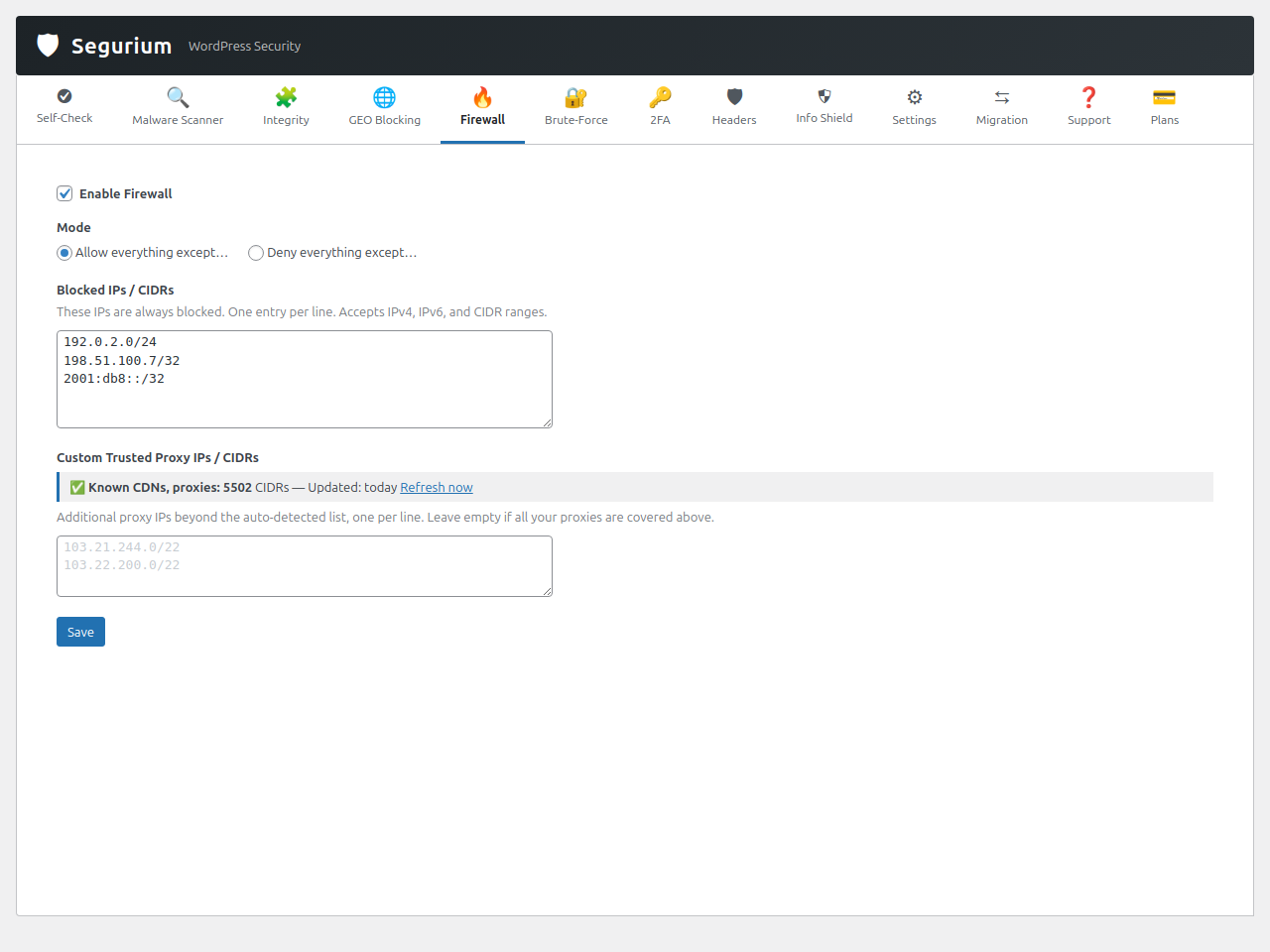
- Firewall — Allow / deny IP rules, CIDR ranges and country-level filters with a single source-of-truth IP list shared across login, admin and request gating.
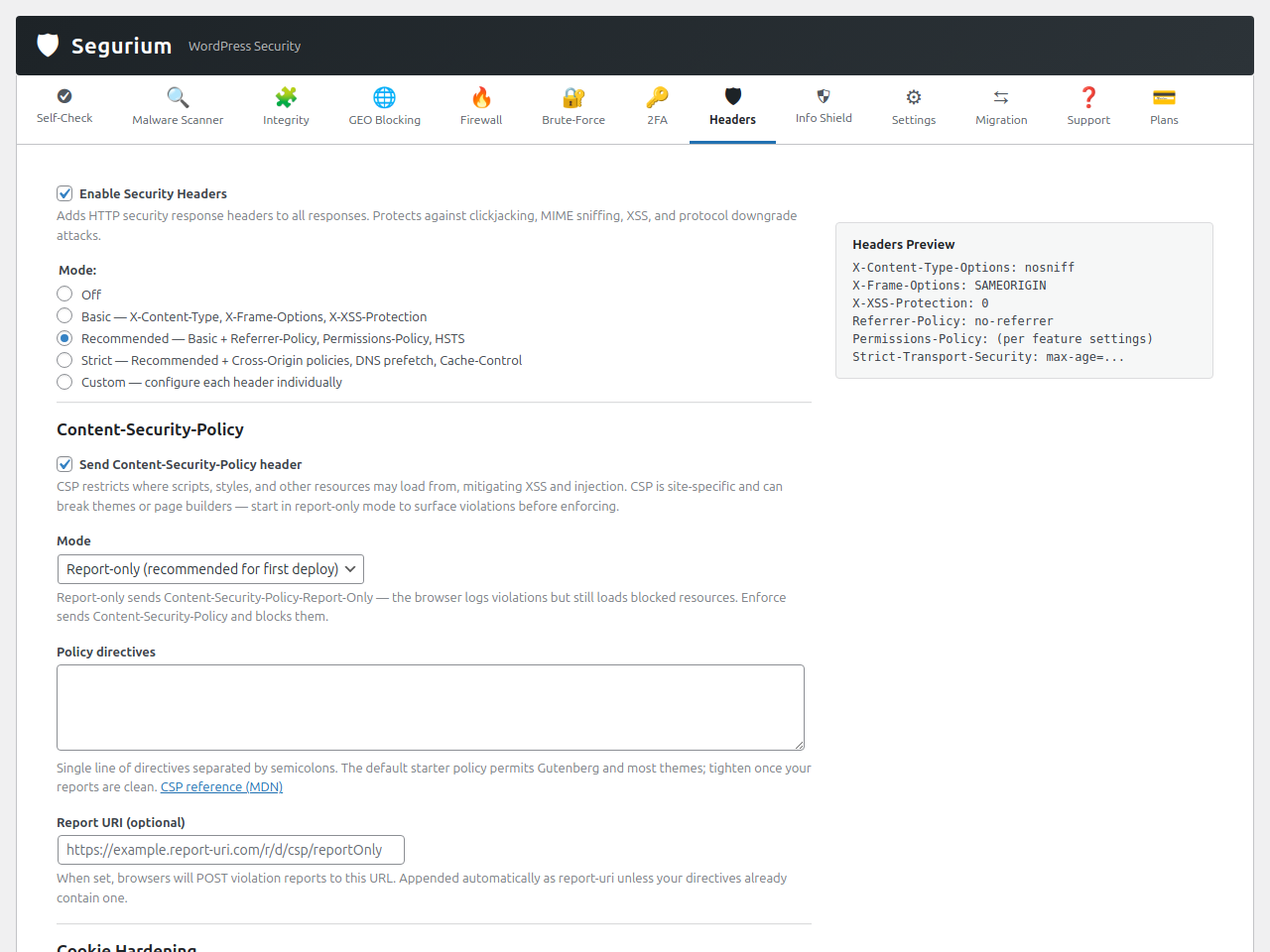
- Security headers — Security HTTP response headers, cookie hardening (SameSite/Secure/HttpOnly), and five one-click preset modes.
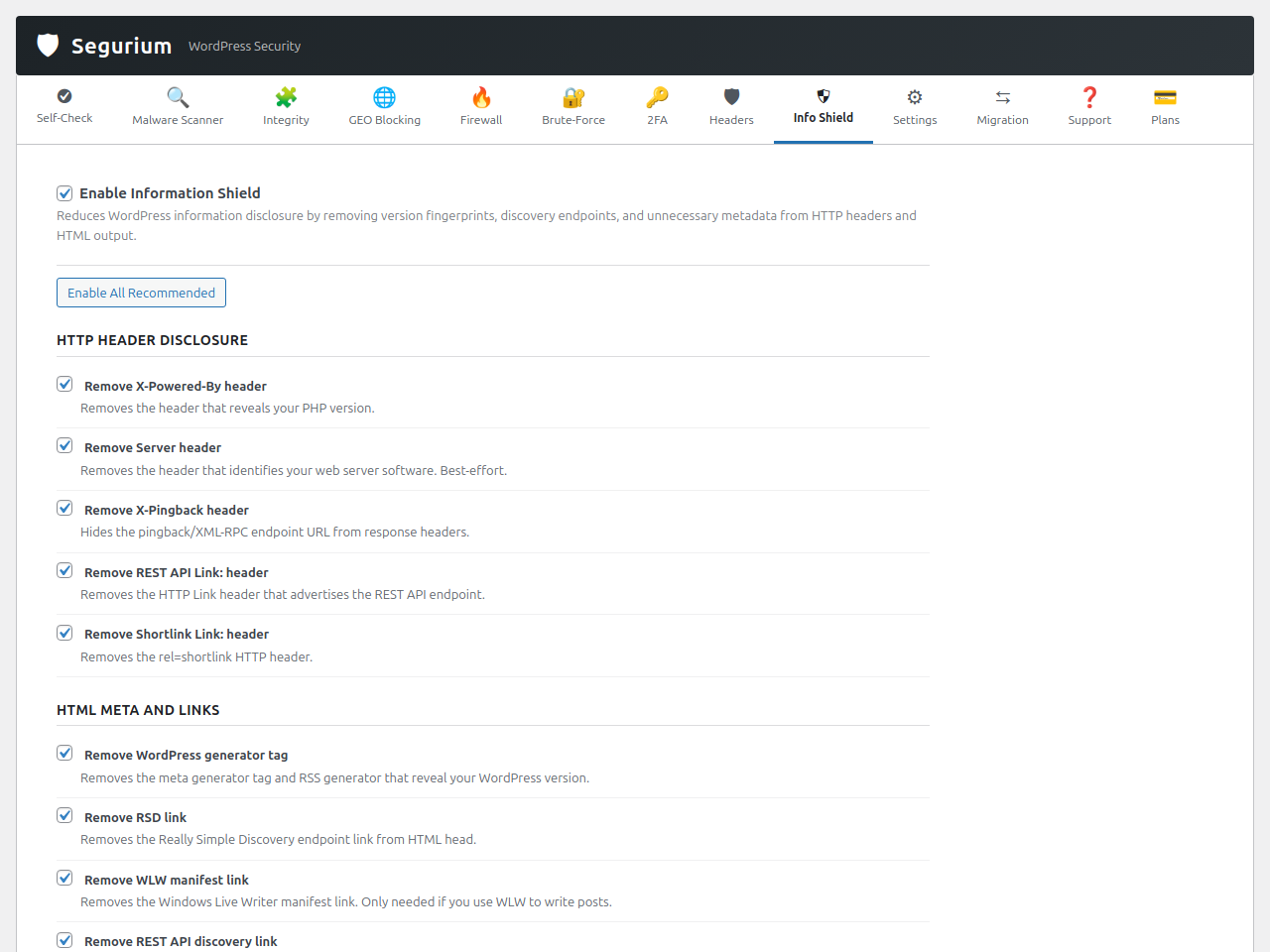
- Information Shield — Toggles that hide WordPress version fingerprints, discovery endpoints, asset
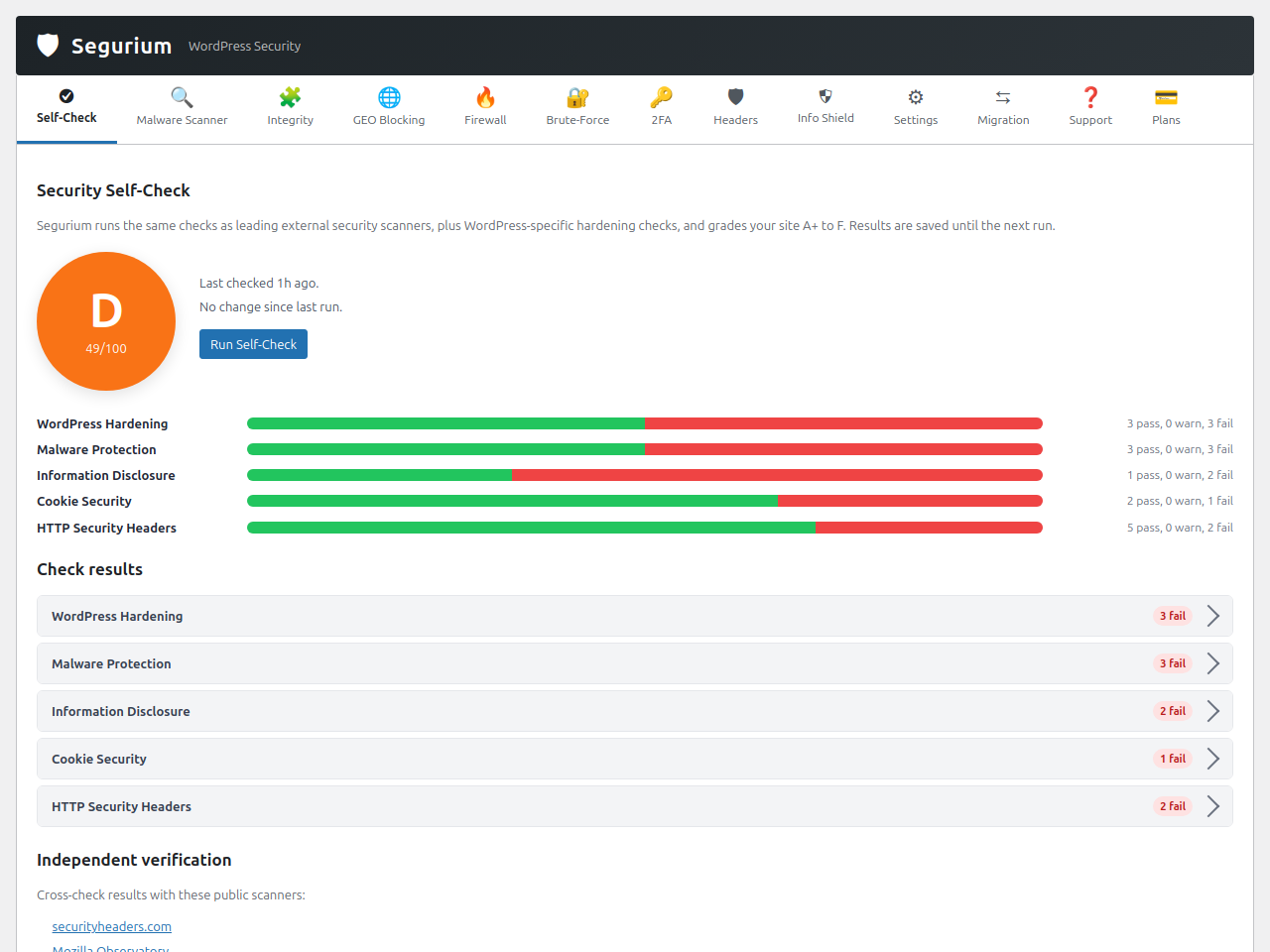
?ver=strings, and XML-RPC when you don’t use them. - Self-Check security grade — Checks roll up into an A+ to F grade, each with one-click Fix buttons and cross-referenced with external scanners.
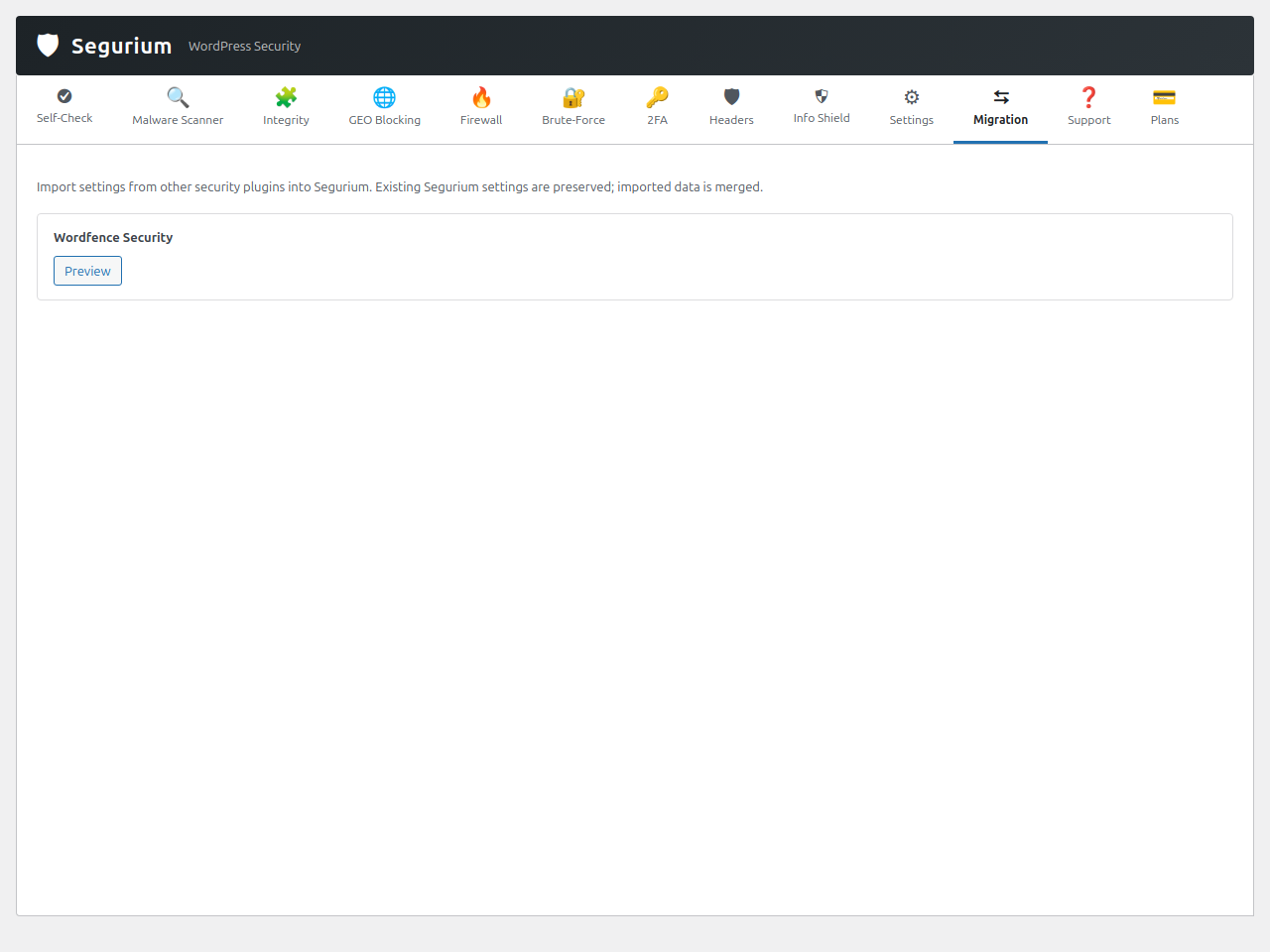
- Migration importer — Import your existing settings from Wordfence, All-In-One Security, Sucuri Security and Solid Security so you don’t lose your hardening when you switch.
- Disaster recovery — Local encrypted backups can be extracted with a tiny PHP one-liner, even if Segurium is uninstalled.
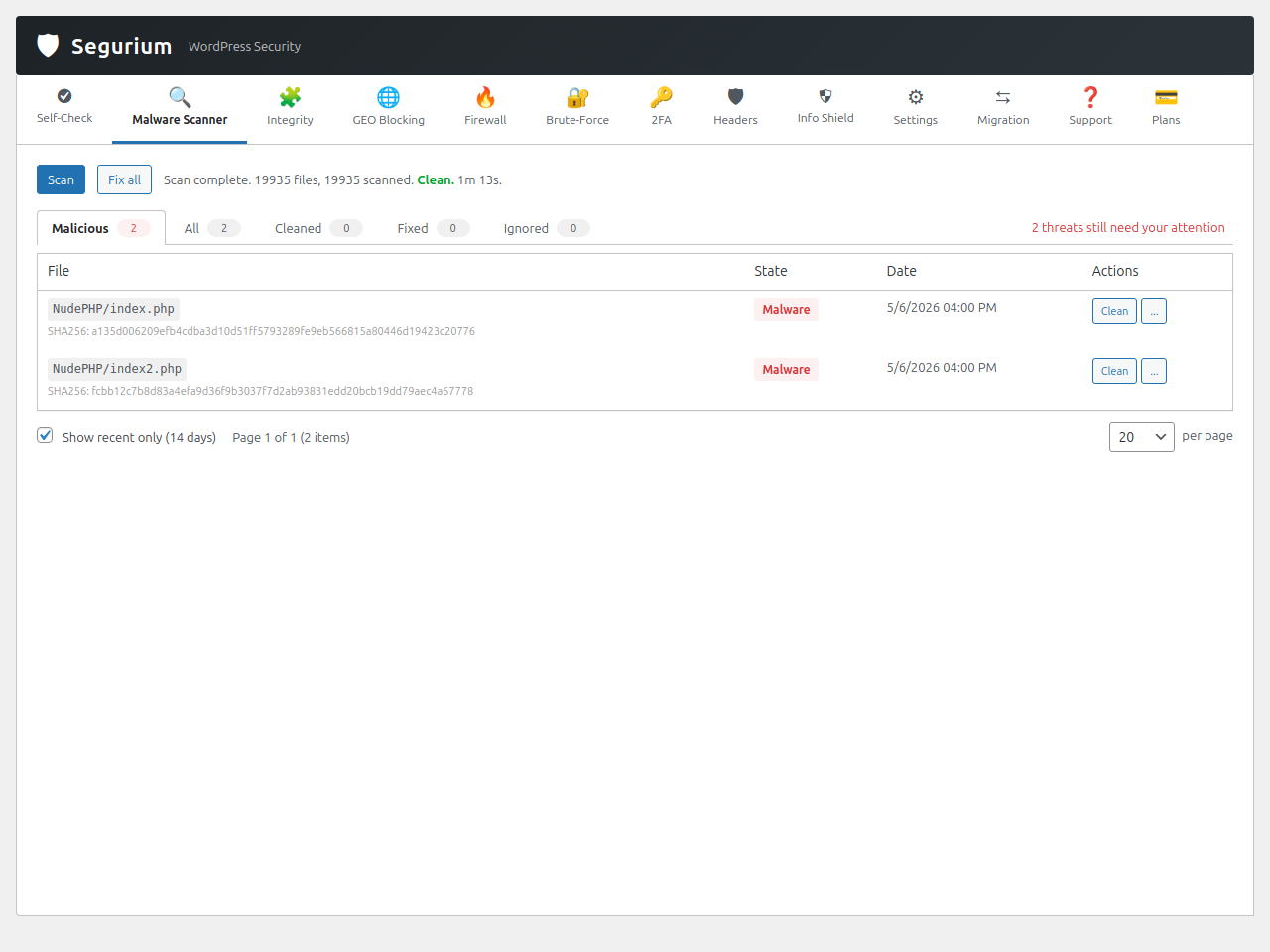
- Malware scanner — Full filesystem scan, and a unified “Threats” view across every scan.
- Real-time and upload scanning — New and modified files are checked automatically; infected uploads are blocked before they land on disk.
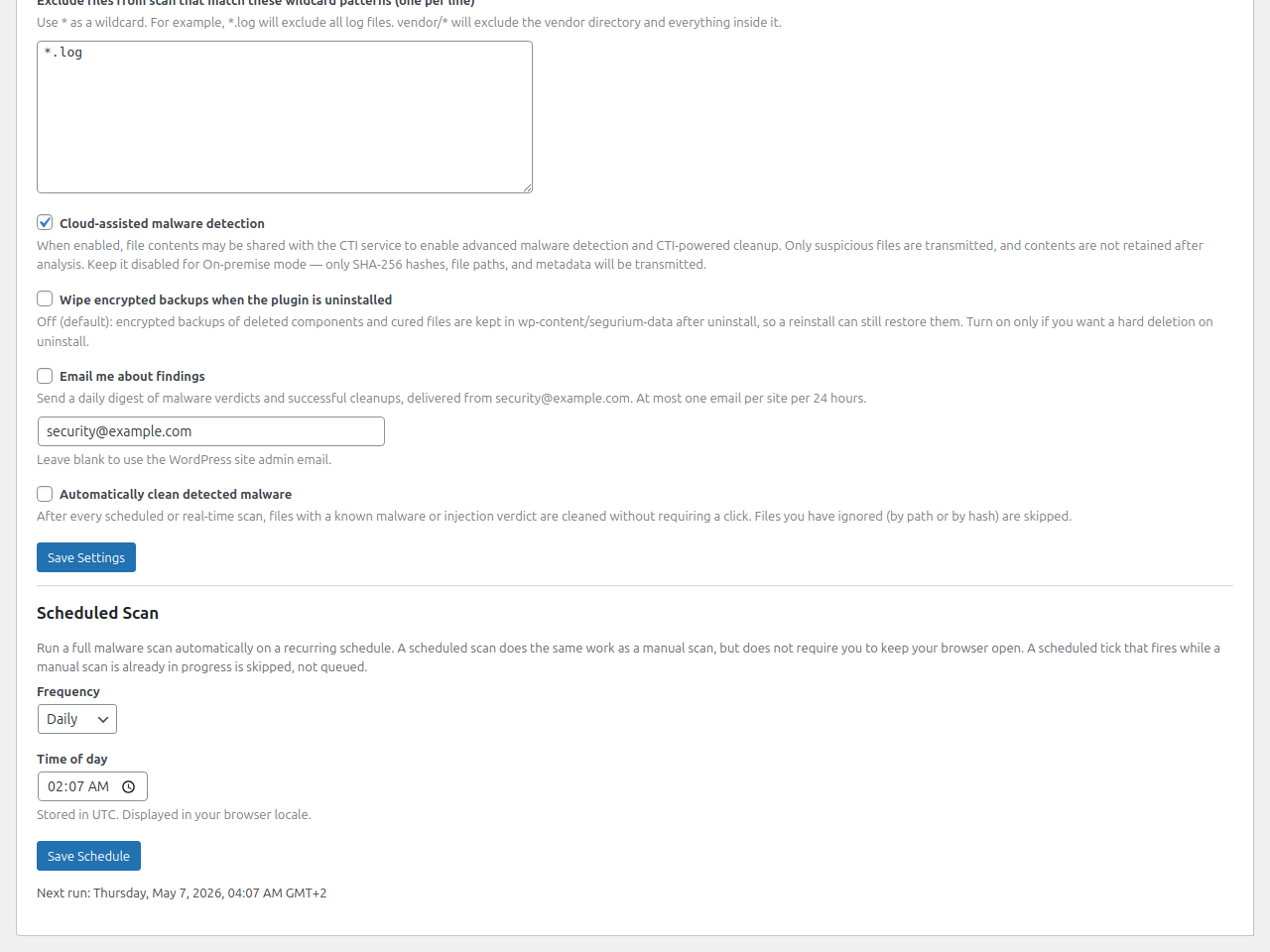
- Scheduled scans — Off / daily / weekly with a locale-aware time picker. A scheduled malware scan automatically chains an integrity scan behind it on the same cadence.
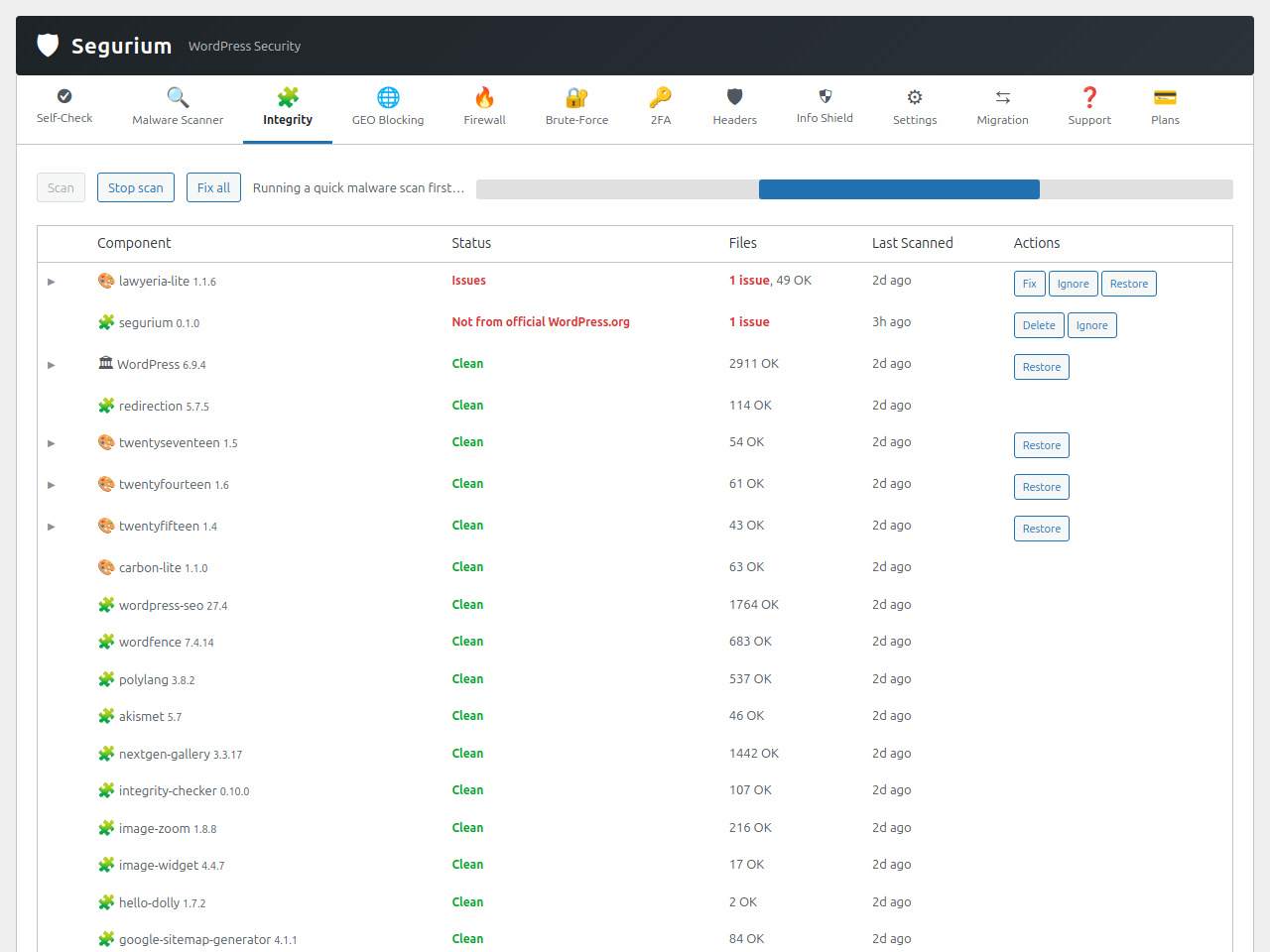
- Integrity scan — Verify WordPress core, plugins and themes against upstream manifests. Spot tampered, delisted or abandoned components at a glance.
- Bulk “Fix All” remediation — Queue every detected threat for cleanup in one click on both malware and integrity panels.
- Auto-fix on detection — When real-time scanning flags a file, Segurium can clean it without waiting for an admin to open the dashboard.
- Cleanup with encrypted, reversible backups — Before anything is cleaned, the original file is encrypted (AES-256-GCM) and stored locally. Backups are retained for up to 30 days, subject to per-bucket count and size caps. “Show original” and “Restore” are one click away.
- Embedded support.
How the Pro service tier differs
Cleanups are performed by Segurium’s cloud service and counted against a per-installation quota. The Free service tier covers up to 3 cleanups per rolling 30 days — enough for an occasional incident on a typical site. The Pro service tier raises that quota for sites that need higher cleanup volume (recurring infections, agency portfolios, hosts under sustained attack). The plugin code, the detection engines, and every feature listed above are identical on both tiers; the only difference is the cleanup-quota ceiling enforced server-side.
Privacy by default
- Scanning is opt-in. Until you explicitly accept the service disclosure on the plugin’s admin page, Segurium doesn’t contact the cloud and doesn’t start scanning.
- Hash-first, body-on-miss. During a scan, files are checked by SHA-256 first. Only files whose hash is unknown to the cloud have their bytes uploaded for classification, so the volume of content actually leaving your server is small and bounded by what’s new on disk.
- No telemetry on your visitors. Segurium looks at files and login attempts, not at the people who visit your site.
- You’re in control of cleanup. Cleaning an infected file is always reliable, with backups.
Designed to stay lean
Segurium ships as a small PHP plugin with no bundled binaries, no vendored third-party scanners, and no hidden background daemons. The heavy lifting — classification, signature curation, integrity manifests — lives in our cloud service, so your WordPress install stays fast and your hosting bill stays flat.
External Services
Segurium connects to external services to keep your WordPress install protected. Each service is disclosed below with the data that is sent and when. Nothing is sent before you accept the service disclosure on the plugin’s admin page.
Segurium Cloud Threat Inspection (cti.segurium.com)
Segurium’s own cloud service provides malware verdicts, integrity manifests, auto-updated geo-location data, trusted-proxy IP ranges, support intake, cleanup files, and a per-installation cleanup quota that gates how many files the cloud will clean in a rolling 30-day window. The service is contacted when:
- You accept the service disclosure on the plugin’s admin page (a one-time installation registration request is sent: a random commitment hash, your site name, your site URL, your WordPress version, and — if you enabled email alerts — the alert email address you entered).
- A malware, integrity, real-time or upload scan is running.
- You request cleanup of a specific infected file (the cleaned bytes are fetched from the cloud by hash; only the SHA-256 of the file you selected is sent in that request).
- The scheduled GeoIP database update runs (daily).
- The scheduled trusted-proxies update runs (daily).
- The scheduled component-inventory ping runs (daily; sends the list of installed plugin/theme slugs and versions and your WordPress version, so we can spot tampered, delisted or abandoned components).
- You submit a support request, false-positive report or missed-malware report from the plugin’s admin pages (the data you typed, plus the file bytes you attached, are sent).
- You change a settings group (a settings snapshot of that area is sent so the cloud side stays in sync).
- A brute-force lockout, geo-block or other security event fires (a small JSON payload with the event type, your site URL, your domain, your WordPress / PHP / plugin versions, and a SHA-256 hash of the username — never the username itself or the password — is sent).
- You activate or deactivate the plugin (a one-line
plugin_activated/plugin_deactivatedping is sent so the cloud side knows the install is no longer reachable; the deactivation ping is skipped entirely if you never accepted the service disclosure).
Data sent during scans: SHA-256 hashes of files on your server, file paths relative to your WordPress installation, file sizes, file modification times, plugin and theme version strings, and your WordPress version. For files whose SHA-256 is not yet known to the cloud verdict database, the file’s bytes are also uploaded so the file can be classified. This applies to malware scans and to real-time / upload scanning.
The cloud service is operated by Segurium, S.L. Each request from your installation is identified by a random installation identifier (IID) issued at registration time; we do not store or send any WordPress user data, content, or visitor information.
- Terms of Service: https://segurium.com/terms
- Privacy Policy: https://segurium.com/privacy
Freemius (api.freemius.com, checkout.freemius.com, wp.freemius.com)
Segurium uses the Freemius WordPress SDK (bundled in freemius/) to handle license activation, paid-plan checkout, and account management for the Pro plan. The SDK ships in anonymous mode: on activation Segurium tells the SDK to skip the connect prompt, so no request is sent to Freemius and no telemetry is collected from your install.
Freemius servers are contacted only when:
- You explicitly click an upgrade or “Manage billing” button in the Segurium account page and complete the checkout on
checkout.freemius.com. - You activate, sync or deactivate a Pro license through the account page (the SDK posts the licence key, your site URL, your WordPress / PHP versions, and the plugin version to
api.freemius.com).
If you never visit the account page or never enter a licence, no request is ever made to Freemius from your site.
Freemius is operated by Freemius, Inc.
- Freemius Terms of Service: https://freemius.com/terms/
- Freemius Privacy Policy: https://freemius.com/privacy/
hCaptcha (js.hcaptcha.com, hcaptcha.com) — OPTIONAL
If, and only if, you enable hCaptcha on the brute-force-protection settings page and provide your own hCaptcha site key and secret key, Segurium will:
- Load the hCaptcha JavaScript from
https://js.hcaptcha.com/1/api.json the wp-login.php page so the challenge can render. - Send the hCaptcha token and the visitor’s IP address to
https://hcaptcha.com/siteverifyto verify the challenge on login attempts.
hCaptcha is off by default. Until you enable it, no hCaptcha scripts or requests are loaded. hCaptcha is provided by Intuition Machines, Inc.; their terms and privacy policy apply when you enable the feature.
- hCaptcha Terms of Service: https://www.hcaptcha.com/terms
- hCaptcha Privacy Policy: https://www.hcaptcha.com/privacy
Source Code of Bundled Libraries
Segurium ships the Freemius WordPress SDK in freemius/ for licensing,
checkout and support flows. A small number of files inside that SDK
(freemius/assets/js/jquery.form.js and freemius/assets/js/postmessage.js)
are minified upstream and shipped as-is. The unminified source for the
entire SDK is published under GPL-3.0 at:
- https://github.com/Freemius/wordpress-sdk
The SDK version bundled with this release is recorded in
freemius/start.php ($this_sdk_version).
Schermafbeeldingen
Installatie
- Upload the
seguriumfolder to/wp-content/plugins/, or install through Plugins Add New in the WordPress admin. - Activate the plugin through the Plugins menu in WordPress.
- Open Segurium in the admin sidebar and accept the service disclosure to enable scanning.
- (Optional) Import settings from your previous security plugin via Segurium Migration.
- (Optional) Enable two-factor authentication, geo-blocking and security headers from their respective tabs.
FAQ
-
Will Segurium slow my site down?
-
It shouldn’t. Scans run in chunked background jobs with a scan lock so a single run can’t pile on top of itself. Real-time scanning only inspects new and modified files. The plugin keeps no large tables in memory and ships no bundled scanner binaries.
-
What happens if Segurium flags a file that isn’t really malware?
-
Every cleanup is reversible. Originals are encrypted (AES-256-GCM) and stored locally — retained for up to 30 days, subject to per-bucket count and size caps — and you can restore from backup in one click. You can also submit a false-positive report directly from the threats list, and our team uses those to improve classification.
-
Can I use Segurium alongside my existing security plugin?
-
You can, but we recommend migrating. The Migration tab imports settings from Wordfence, All-In-One Security, Sucuri Security and Solid Security so you can switch without losing your hardening. Running two security plugins in parallel usually means double the cron overhead for no extra protection.
-
Is hCaptcha required for brute-force protection?
-
No. Brute-force protection works out of the box with rate limits, honeypot and lockouts. hCaptcha is optional — if you already have an hCaptcha site key and secret, you can enable it on the login form for an additional layer. When disabled (the default), no hCaptcha scripts or requests are ever loaded.
-
What PHP and WordPress versions are supported?
-
PHP 7.4 or newer and WordPress 6.2 or newer. Regularly tested against PHP 8.1 / 8.2 / 8.3 and WordPress 6.3 through 7.0.
-
What happens if I uninstall the plugin?
-
Plugin options, custom tables and local scan backups are removed. The local encrypted backups remain extractable with a small PHP one-liner before uninstall (see the Disaster Recovery documentation on segurium.com) if you want to keep copies.
Beoordelingen
Er zijn geen beoordelingen voor deze plugin.
Bijdragers & ontwikkelaars
“Segurium – Malware Removal & Cleanup, Firewall, Two-Factor Authentication” is open source software. De volgende personen hebben bijgedragen aan deze plugin.
Bijdragers
Vertaal “Segurium – Malware Removal & Cleanup, Firewall, Two-Factor Authentication” naar jouw taal.
Interesse in de ontwikkeling?
Bekijk de code, haal de SVN repository op, of abonneer je op het ontwikkellog via RSS.
Changelog
1.0.0 – 2026-07-19
- Fixes integrity scans stalling on large sites
- Major version bump
0.1.8 – 2026-07-07
- Fixes anonymous access to scan endpoints.
- Improves compatibility with hosts that disable shell access.
0.1.7 – 2026-06-24
- Maintenance release.
0.1.6 – 2026-06-16
- minor fixes
0.1.5 – 2026-06-04
- Scans now handle sites with millions of files.
- Real-time file monitoring works reliably on large sites.
- Temporary network errors no longer ruin a scan batch.
- Scan progress no longer stalls on long scans.
- Completed scans show the correct duration.
- Hardened protection against unauthorized admin actions.
- Translations updated for 13 languages.
0.1.4 – 2026-05-30
- Large scans now resume after timeouts instead of aborting.
- Scans complete reliably without hanging on pending results.
- Cleanup limit notice now shows the next available date.
- Scans no longer start before the plugin is fully activated.
- Firewall no longer disables itself unexpectedly.
0.1.3 – 2026-05-24
- Faster malware scans.
- Progress bar shows percentage label.
- Scan summary lists failed and skipped files.
- Cleanup quota counter shows correct numbers.
- Checkout pre-fills name and email.
- Works again on WordPress 6.0.
- Security Headers presets no longer fight custom toggles.
- X-XSS-Protection options include inline guidance.
- Self-Check runs automatically on first open.
- Self-Check runs once a day.
- Integrity Restore shows clearer errors.
- Admin tabs use shareable URLs.
- Stop button hides the scan progress bar.
- Scan counters no longer jump backwards.
- Duplicate files no longer break scan totals.
- Geo block page renders without admin notice noise.
- Geo database freshness updates on every check.
0.1.2 – 2026-05-08
- Minor UI improvements
- Cleaned files clear from malware list after rescan.
- Fixes admin lockout from geo settings revert.
- Two-factor settings appear on user profile page.
- Scans no longer hang behind web firewalls.
- Scans recover faster from stalled workers.
- Stop scan no longer crashes the worker.
0.1.1 – 2026-05-06
- Add 13 new translations.
- Admin pages follow the WordPress admin color scheme.
- Lower background traffic on idle admin tabs.
- Faster admin page loads.
- Warn before rotating older backups.
- Keep 2FA Save button visible when disabled.
- Recovery banner for moved or cloned sites.
0.1.0
- Initial release.