

Beschrijving
Customize WordPress login, registration, and password-recovery screens without touching code.
Built by HDY Haus.
Features:
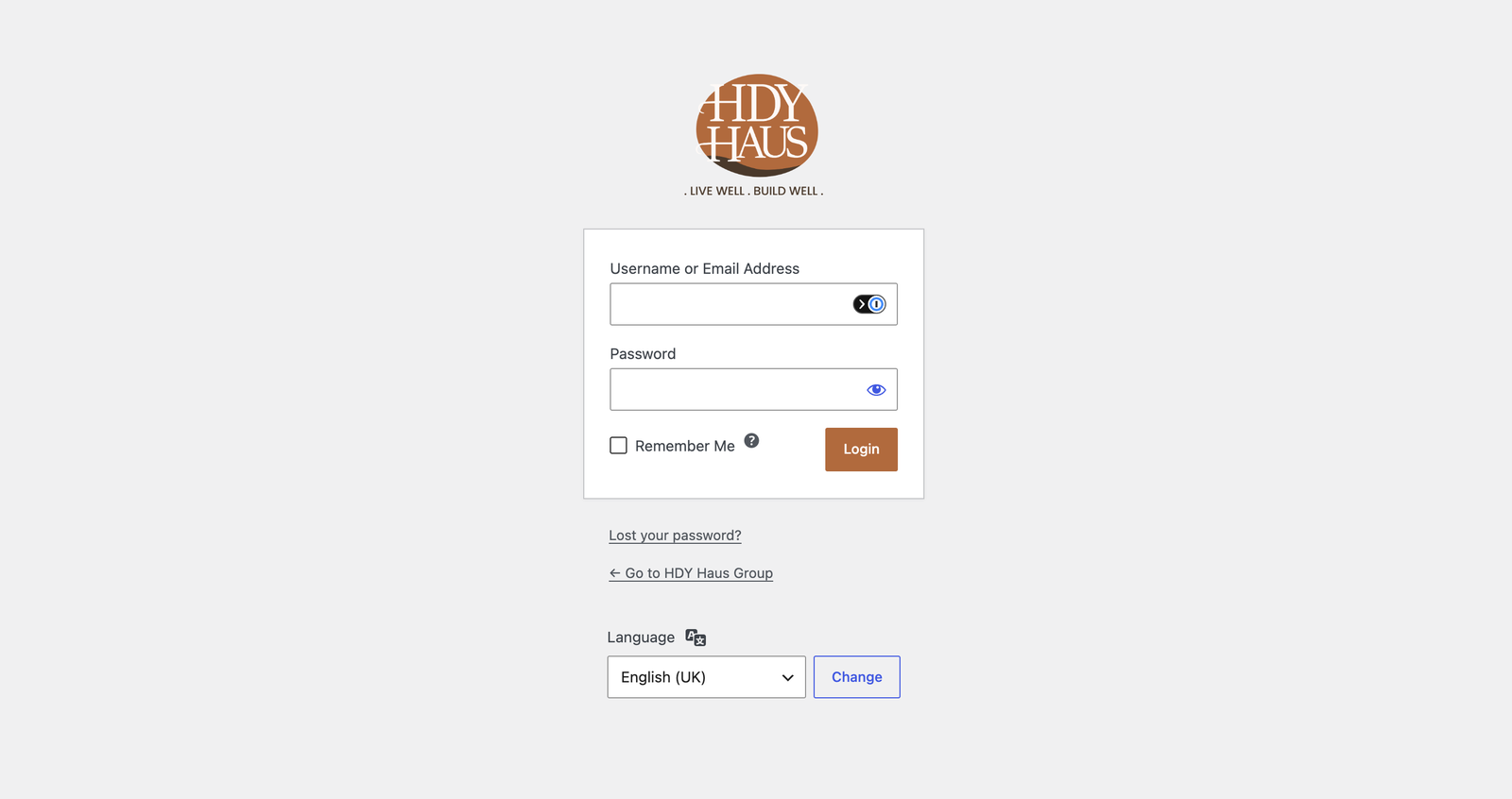
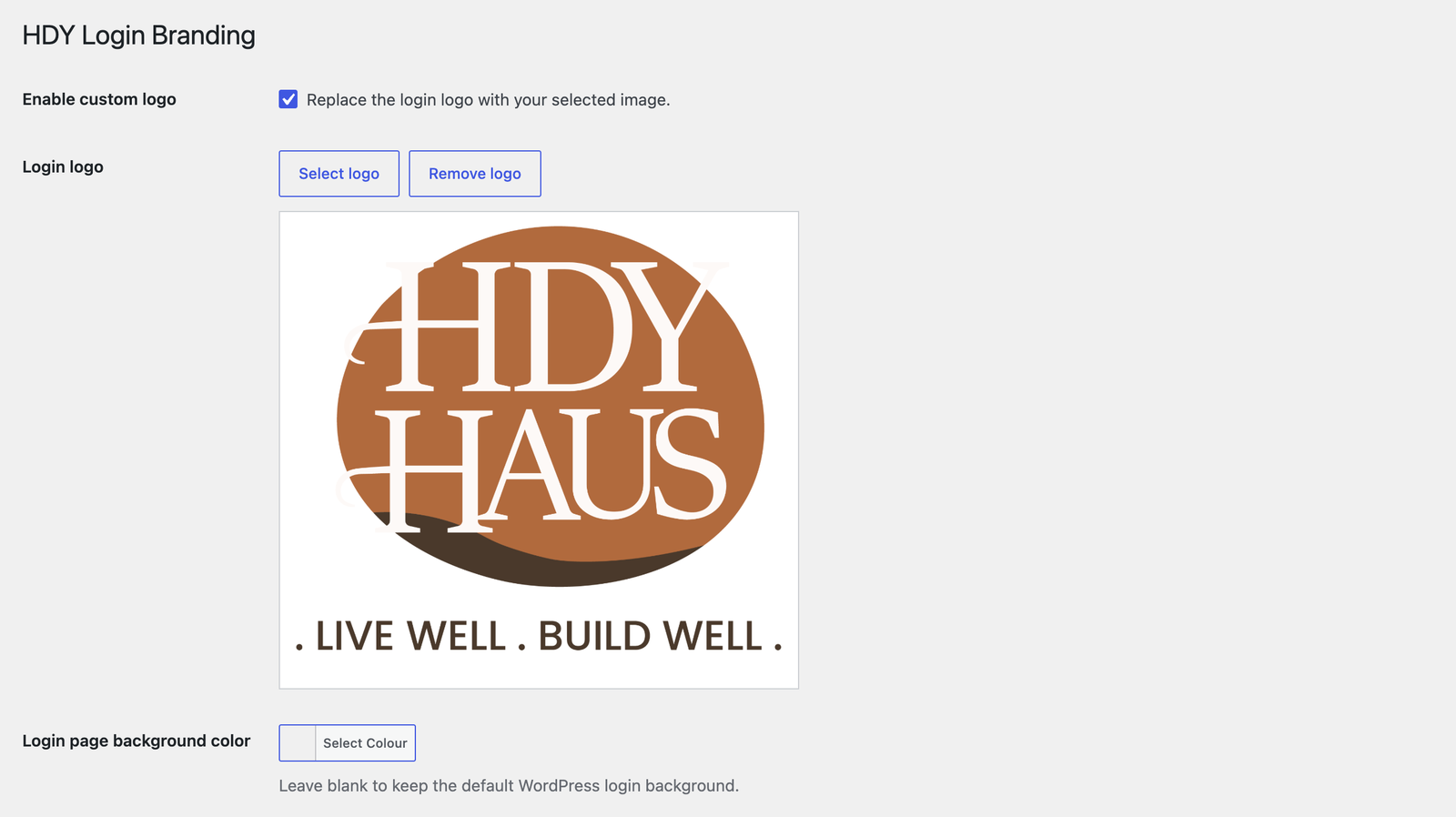
* Enable or disable the custom login logo.
* Choose a logo from the Media Library.
* Logo links to the site homepage when enabled.
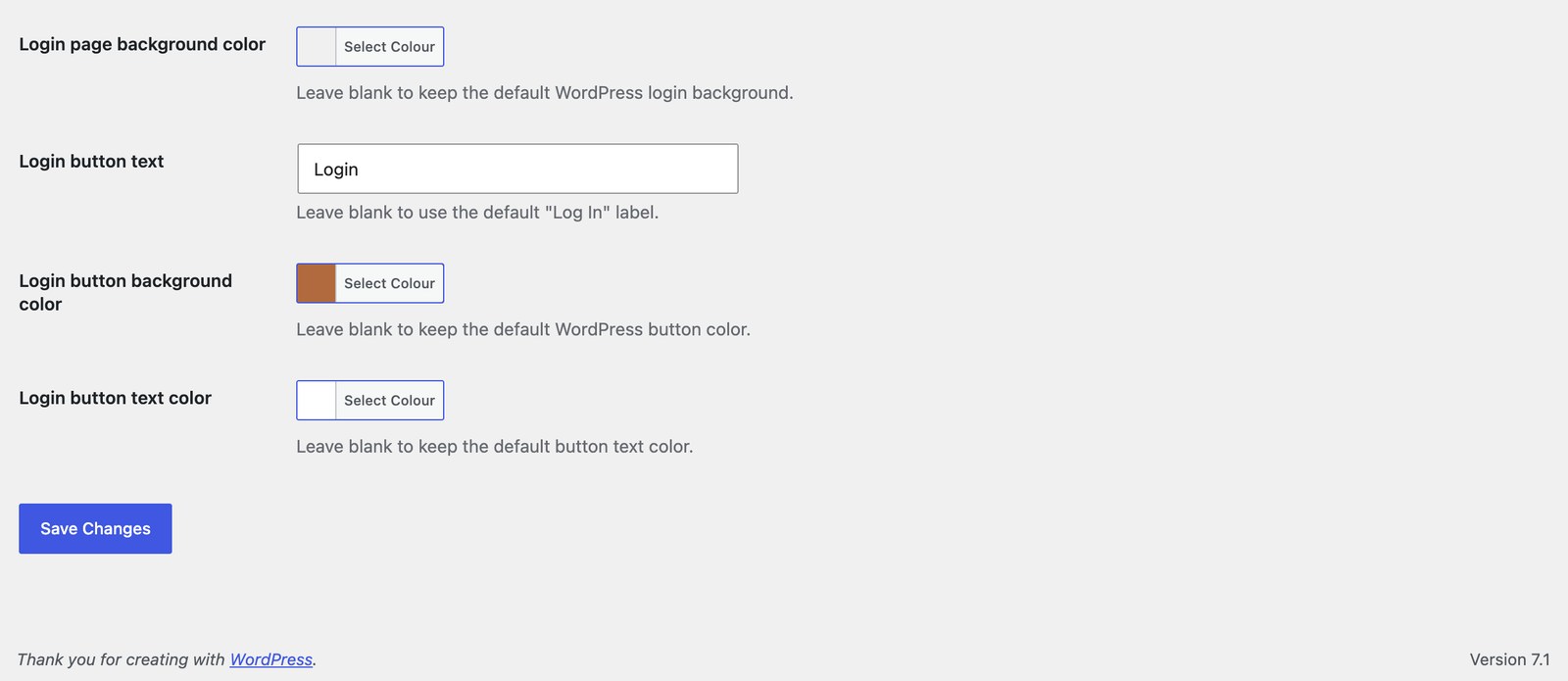
* Customize the login page background color.
* Choose a responsive login page background image from the Media Library.
* Customize the login button label, background, and text color.
* Customize registration heading and button text.
* Customize lost-password and reset-password instructions and button text.
* Organize settings with keyboard-accessible Shared Branding, Login, Registration, and Password Recovery tabs.
* Use shared colors or override page background, button background, and button text colors per flow.
* Preview changes with button contrast feedback before saving.
Schermafbeeldingen
Installatie
- Upload the
hdy-login-brandingfolder to/wp-content/plugins/Or in your WordPress admin, go to Plugins > Add New > Upload. - Activate the plugin through the Plugins screen in WordPress.
- Go to Settings > HDY Login Branding.
- Choose your logo, optional background image, colors, instructions, and button labels.
FAQ
-
What size should the logo be?
-
The login screen uses a 320×120 box. Larger images are scaled to fit.
-
Where does the logo link to?
-
When the custom logo is enabled and set, it links to the homepage.
-
How is the background image displayed?
-
The selected image is centered and scaled to cover the authentication screen. The configured background color remains as a fallback while the image loads. Removing the image restores the color-only or default WordPress background.
Beoordelingen
Er zijn geen beoordelingen voor deze plugin.
Bijdragers & ontwikkelaars
“HDY Login Branding” is open source software. De volgende personen hebben bijgedragen aan deze plugin.
Bijdragers
Vertaal “HDY Login Branding” naar jouw taal.
Interesse in de ontwikkeling?
Bekijk de code, haal de SVN repository op, of abonneer je op het ontwikkellog via RSS.
Changelog
1.2.0
- Added a responsive authentication-screen background image selected from the Media Library, with live preview and remove/reset controls.
- Added registration heading and button labels plus separate lost/reset-password instructions and button labels.
- Organized settings into keyboard-accessible Shared Branding, Login, Registration, and Password Recovery tabs.
- Added accessible settings tabs, live preview, and unsaved-change protection.
- Added per-flow color overrides while preserving existing shared colors.
- Added button contrast feedback, responsive settings layouts, and selected-tab persistence after saving.
- Pointed plugin and author metadata to the HDY Login Branding product page without a duplicate View details link.
1.0.3
- Added a Settings action link on the WordPress Plugins screen.
1.0.2
- Renamed plugin to HDY Login Branding for WordPress.org review.
- Updated prefixes, text domain, and asset handles for directory compliance.
- Removed bundled screenshot assets from the plugin package.
1.0.1
- Added login page background color customization with WordPress color picker support.
- Added screenshot assets and expanded screenshot descriptions.
- Updated plugin and readme license metadata to GPL-3.0-or-later.
- Improved coding standards compliance with local PHPCS/WPCS tooling.
1.0.0
- Initial release.