

Beschrijving
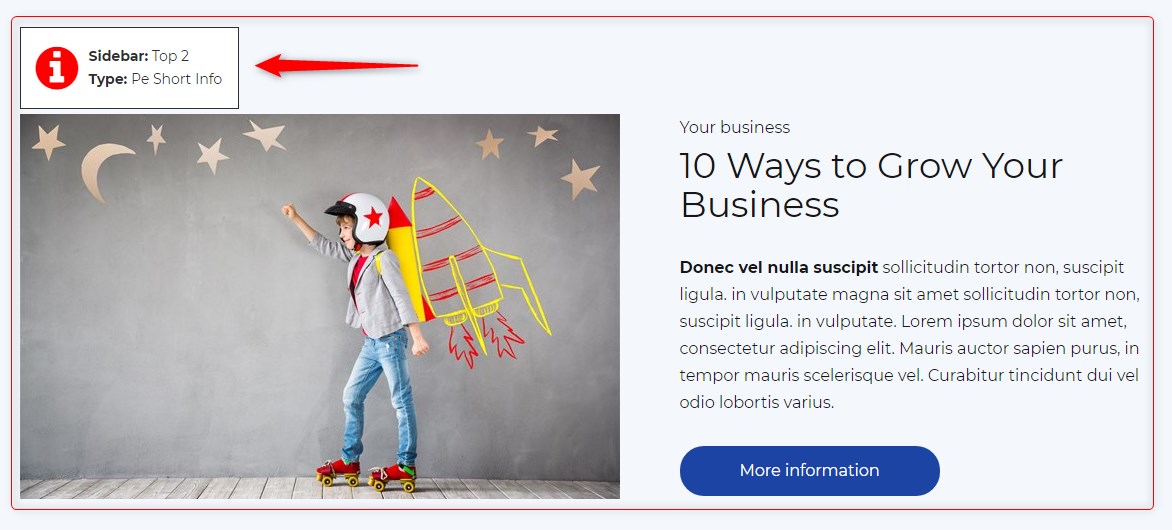
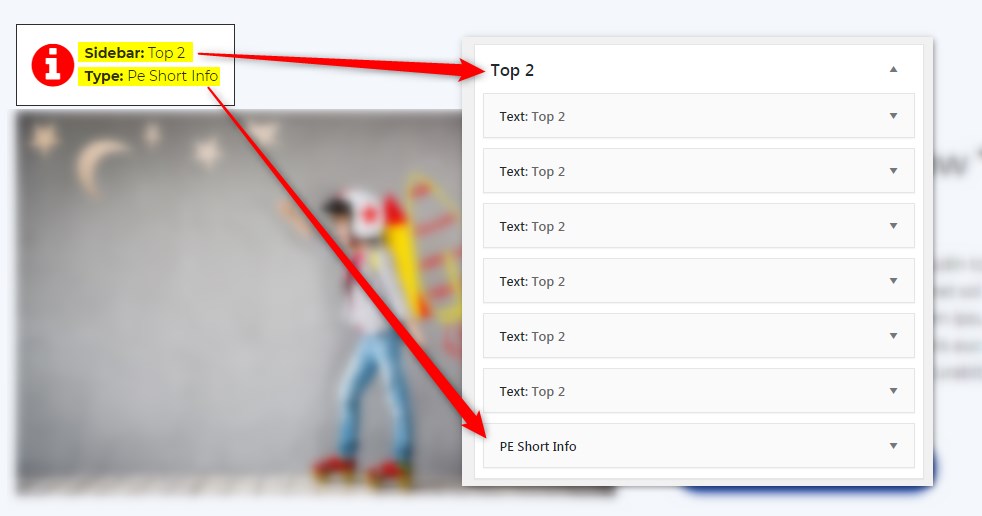
Get info about visible sidebars and widgets types and easily find them in the dashboard in Appearance -> Widgets
Schermafbeeldingen
Installatie
- In your admin panel, go to Plugins -> Add New and click the Upload Plugin button.
- Click Choose File, then select the plugin ZIP file. Click Install Now.
- Click Activate to activate the plugin.
Beoordelingen
Er zijn geen beoordelingen voor deze plugin.
Bijdragers & ontwikkelaars
“PE Theme Elements Info – get info about sidebars and widgets types” is open source software. De volgende personen hebben bijgedragen aan deze plugin.
Bijdragers
Vertaal “PE Theme Elements Info – get info about sidebars and widgets types” naar jouw taal.
Interesse in de ontwikkeling?
Bekijk de code, haal de SVN repository op, of abonneer je op het ontwikkellog via RSS.
Changelog
1.10
- Added information about menus
- Fixed possible incorrect widget names in sidebars
- By default information about widgets or menus on the page will be displayed only for logged-in administrators